Photo Upload Guide

For the best result, upload clear, front-facing photos with good lighting. Full-body references help DreamShot preserve face, body proportions, posture, and overall mood more naturally. If you do not have a partner, choose an AI Partner to create prewedding or couple photos.

Woman

Upload front, 45-degree side, and 90-degree side face photos. Either side is fine.

Desired height (140~220cm / 4.6~7.2ft)

Enter your height while wearing shoes.

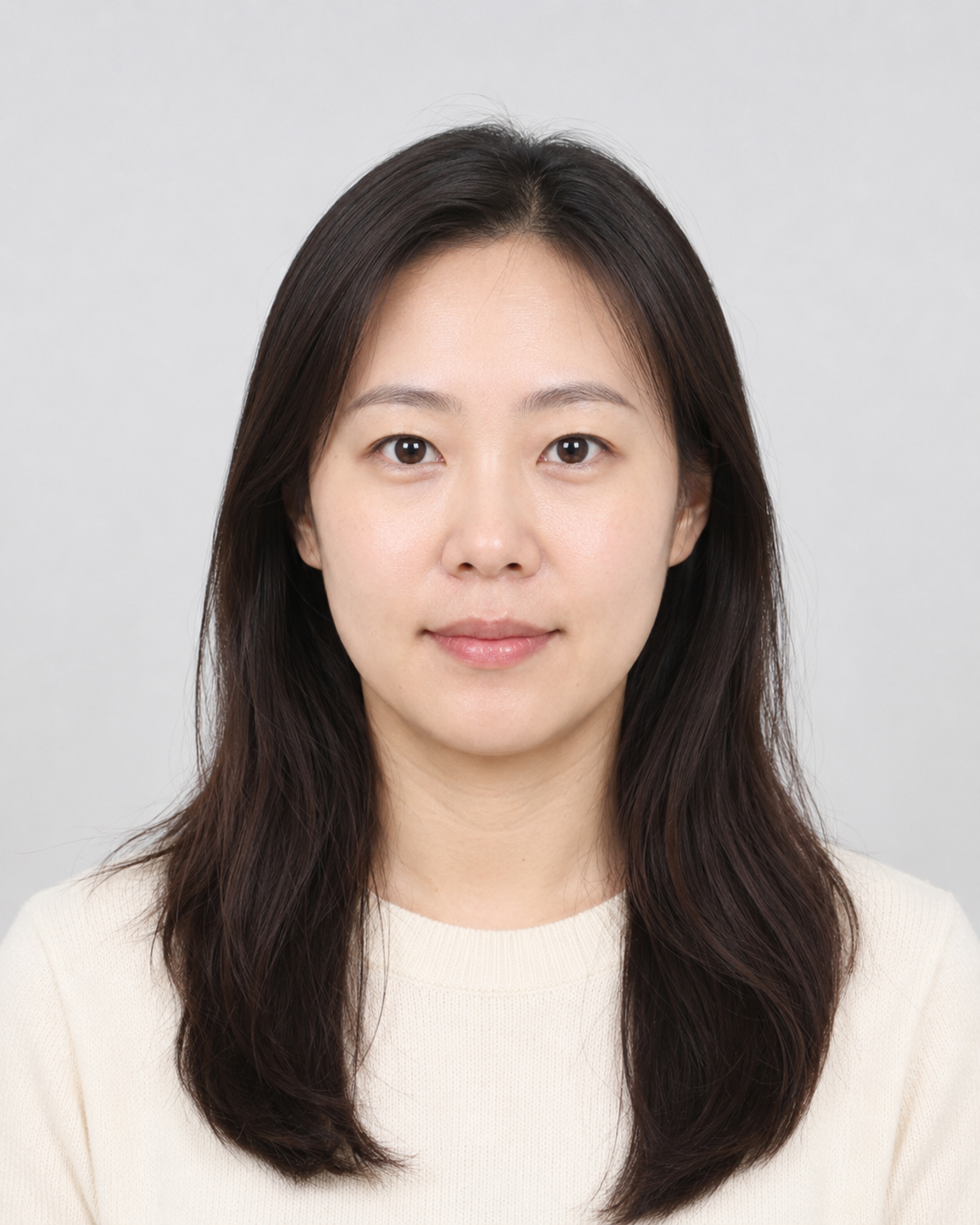
Woman front face sample
Front face sample
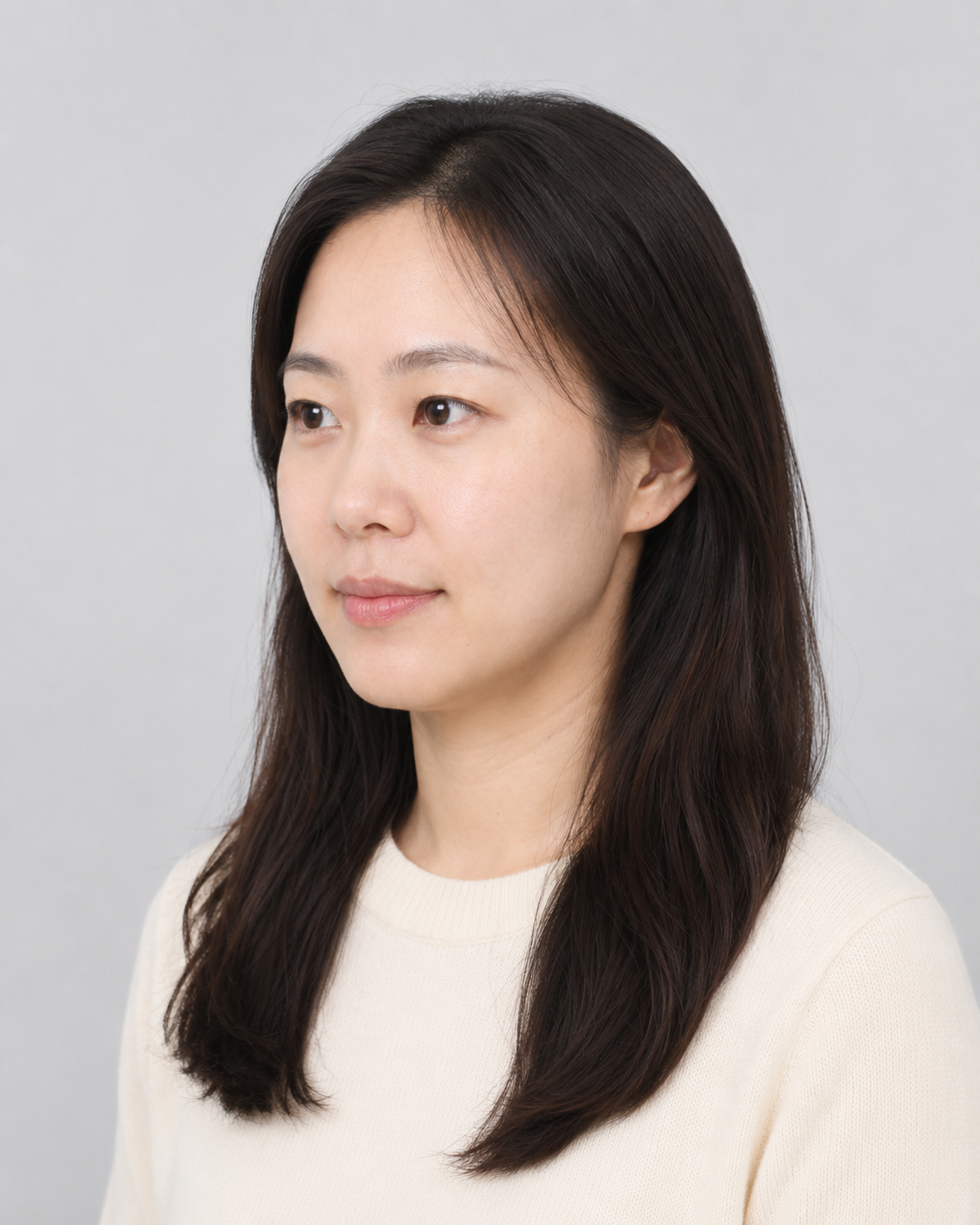
Woman 45 degree face sample
45-degree side sample
Woman 90 degree face sample
90-degree side sample
Woman full-body sample
Full-body sample

Man

Upload front, 45-degree side, and 90-degree side face photos. Either side is fine.

Desired height (140~220cm / 4.6~7.2ft)

Enter your height while wearing shoes.

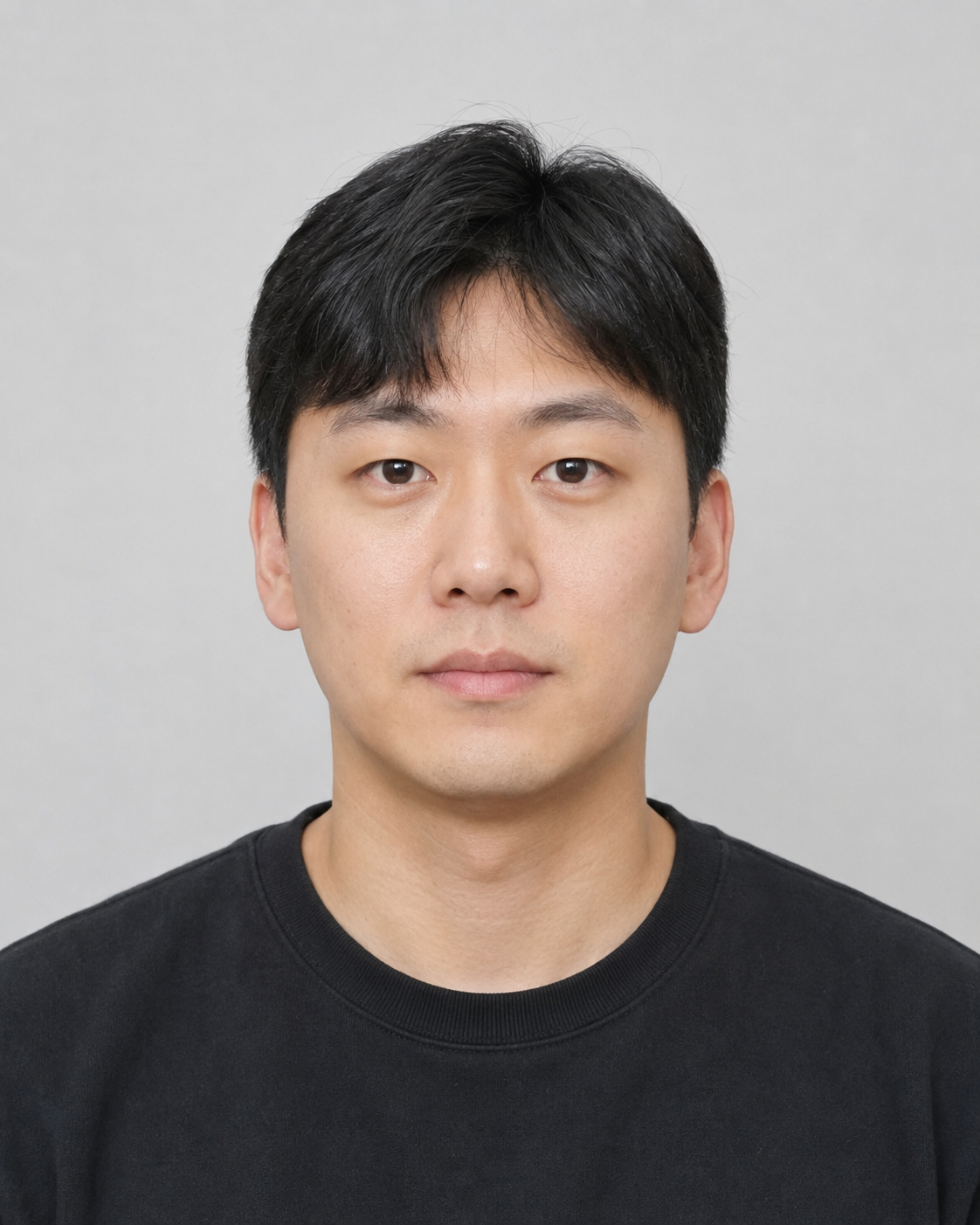
Man front face sample
Front face sample
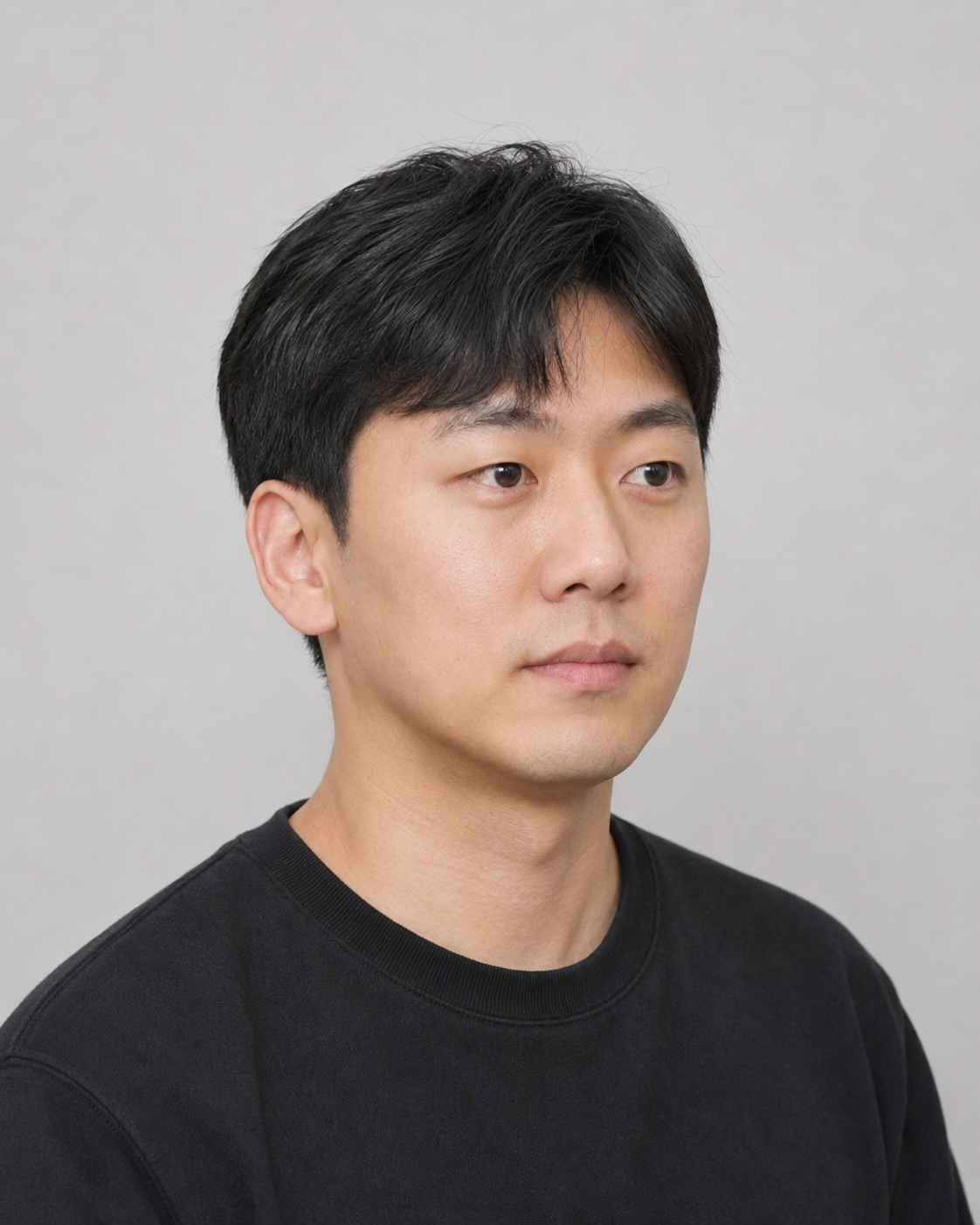
Man 45 degree face sample
45-degree side sample
Man 90 degree face sample
90-degree side sample
Man full-body sample
Full-body sample

Couple

AI Couple Reference

Generate one standing front couple photo from your chosen full-body photos and desired heights. The result appears on a plain studio wall background.

Upload all photos and heights, then tap Generate.

Prewedding templates only

Woman hair
Man hair

Height reference

Woman 165cm / 5.4ft
Man 178cm / 5.8ft

Used as the reference for similar body proportions.

Generate the couple reference, then continue.